Prisms
A prism is a view across several fractals. It stores no data; searches, dashboards, notebooks and alerts on a prism run over all its member fractals together. Use one to search multiple teams or environments at once, or to attach alert feeds that should follow your fractal layout as it grows.
Create a prism
Tenant admins only.
- Click Fractals at the top of the sidebar.
- Click Create, then choose Prism.
- Enter a Name and optional Description, then click Create prism.
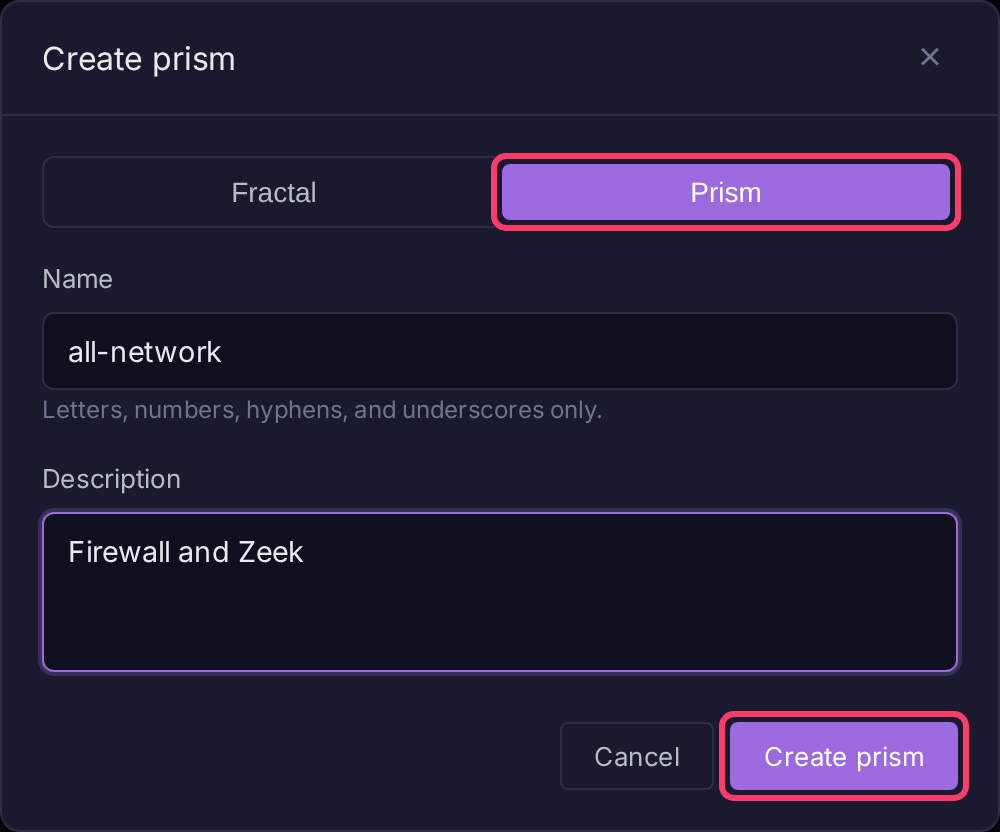
Add or remove member fractals
- Open the prism from Fractals.
- Click Prism settings in the sidebar, then the Members tab.
- Pick a fractal in Select a fractal to add and click Add.
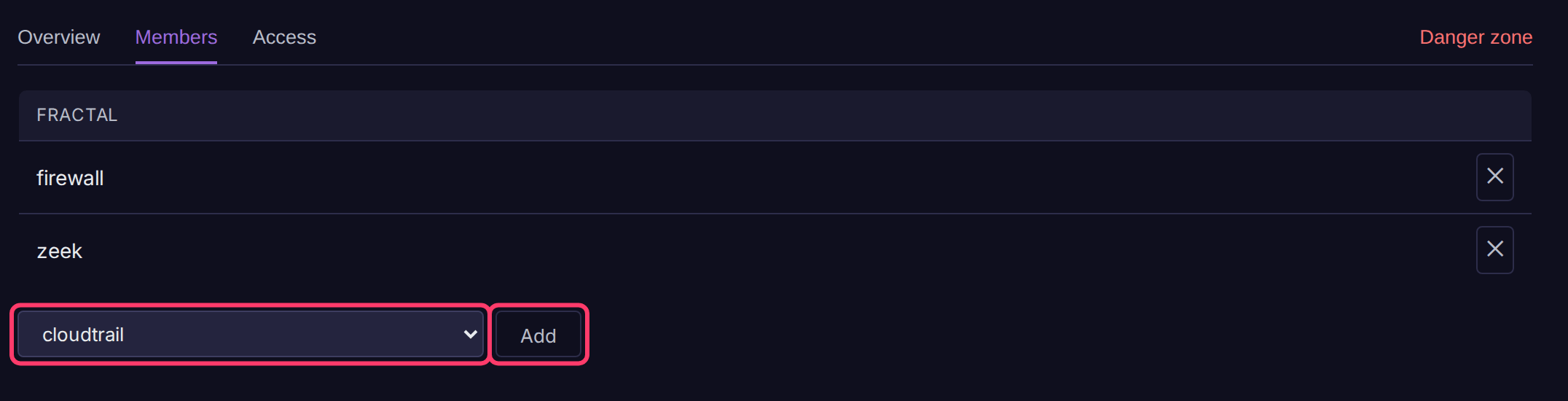
To remove a member, click its ✕ button. Changes apply immediately for everyone.
Prism settings
| Tab | Contents |
|---|---|
| Overview | Name, description (Edit) and member list |
| Members | Add and remove member fractals |
| Access | Permissions and API keys for the prism, separate from those on its members |
| Danger zone | Delete prism. Member fractals and their data are not affected |